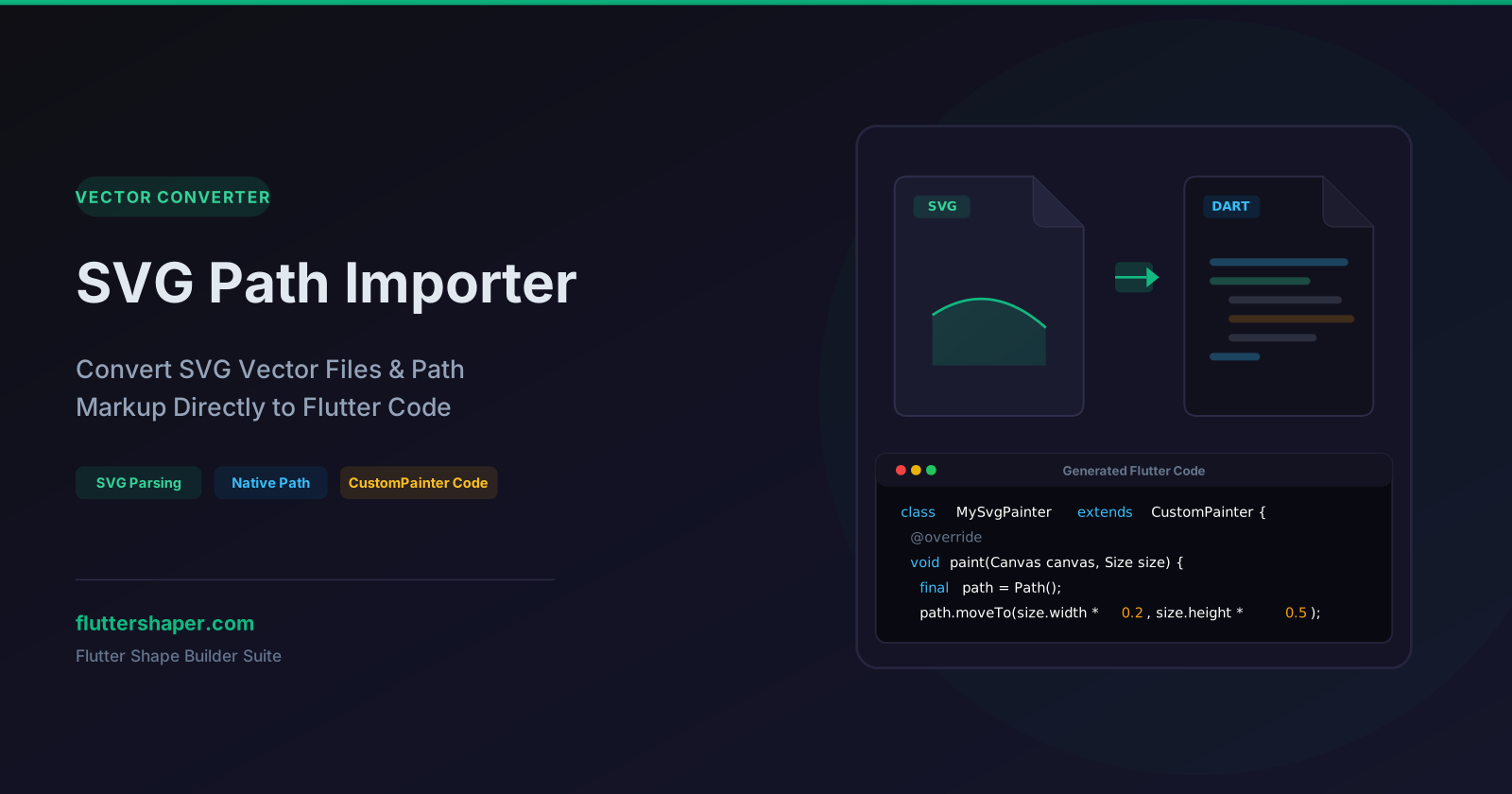
SVG Path Importer: Instantly Convert Scalable Vector Graphics to Dart Code
SVGs (Scalable Vector Graphics) are the universal standard for design assets. Every design tool (Figma, Illustrator, Sketch) exports vector artwork as SVG, and web developers use them extensively.
However, using SVGs in Flutter can be a hassle. To render an SVG, you normally have to add the flutter_svg package as a dependency, configure asset paths in pubspec.yaml, bundle the XML files in your app package, and parse them at runtime. This adds bloat to your bundle size and can hurt performance on low-end devices during XML parsing.
The SVG Path Importer offers a clean, lightweight alternative. It parses SVG vector path instructions (d="..." attributes) and translates them directly into native Flutter drawing commands.
Let's look at how SVG path commands map to Dart, and how you can render raw vectors natively without third-party libraries.
How the SVG Parser Works
An SVG file is structured in XML. The actual shapes are defined inside <path> elements using a commands string in the d attribute. For example:
<path d="M 10 10 L 90 10 L 90 90 Z" />
This commands string is like a set of instructions for a pen. The SVG Path Importer reads this string, parses the commands, and translates them to Flutter's native Path methods:
| SVG Command | Meaning | Flutter equivalent |
|---|---|---|
M x y (Move) |
Pick up pen and move to point | path.moveTo(x, y) |
L x y (Line) |
Draw straight line to point | path.lineTo(x, y) |
H x / V y |
Draw horizontal / vertical line | path.lineTo(x, y) |
C x1 y1 x2 y2 x y |
Draw cubic Bezier curve | path.cubicTo(x1, y1, x2, y2, x, y) |
Q x1 y1 x y |
Draw quadratic Bezier curve | path.quadraticBezierTo(x1, y1, x, y) |
Z (Close) |
Close shape back to start | path.close() |
Native SVG Painting: The Output Code
When you paste your SVG code into the SVG Path Importer, it sanitizes, scales, and parses the vector. It outputs a pure Dart CustomPainter class.
Here is the parsed output of a standard checkmark icon:
import 'package:flutter/material.dart';

class SvgIconPainter extends CustomPainter {
  @override
  void paint(Canvas canvas, Size size) {
    final paint = Paint()
      ..style = PaintingStyle.stroke
      ..strokeWidth = 3.0
      ..strokeCap = StrokeCap.round
      ..color = const Color(0xFF10B981); // Emerald green

    final path = Path();

    // Parsed SVG paths shifted and scaled to fit the painter size:
    path.moveTo(size.width * 0.2, size.height * 0.5);
    path.lineTo(size.width * 0.45, size.height * 0.75);
    path.lineTo(size.width * 0.8, size.height * 0.25);

    canvas.drawPath(path, paint);
  }

  @override
  bool shouldRepaint(covariant CustomPainter oldDelegate) => false;
}
By scaling coordinates relative to size.width and size.height, the imported SVG scales dynamically. It will render crisp and centered whether you specify a size of 24x24 or 500x500 inside your layout.
Why Import SVGs to Pure Dart Code?
- Zero External Dependencies: You don't need any third-party plugins in your
pubspec.yaml. The resulting code runs entirely on Flutter's built-in graphics engine. - Reduced Bundle Size: Bundled SVG files add weight to your assets folder. Native Dart code compiles directly into your binary, saving precious kilobytes.
- Advanced Styling Control: You can apply Flutter-specific effects to the vector—like native shaders, custom linear/radial gradients, dash patterns, and blend modes—that standard SVG packages don't easily support.
- Dynamic Animations: You can animate individual coordinates, morph the path, or draw it progressively (using path metrics) to create beautiful custom drawing animations.
Clean Up Your Asset Pipeline
Ready to convert your design icons and custom vector art into clean, performant Dart paths? Paste your SVGs, clean them up, and drop the native code straight into your project.
Related articles
Explore Our Projects
Beyond the shape tools — two more things we build and use every day. Free to try, no signup.
Keyboard Arena
Typing practice that plays like a game
Real-time WPM tests, mechanical switch audio, A-Z finger drills and 40+ structured lessons. Race a ghost of your best run instead of grinding random words.
- ✓ Live WPM & Accuracy
- ✓ Mechanical Switch Audio
- ✓ 40+ Guided Lessons
Flutter Log Explorer
Finally, Flutter logs you can read
Zero-config, real-time log capture from the Debug Adapter and Dart VM Service, with smart classification, filters and deduplication — all inside VS Code.
- ✓ Zero-Config Capture
- ✓ Smart Filters & Search
- ✓ Noise-Free Deduplication
Ready to Design Your Own Shapes?
Open the editor and start creating professional Flutter CustomPainter code visually.
Open the Editor